Boston, MA — 2026-05-30
DocToPrint Lets Authors Format a Print-Ready Book PDF Without Hiring a Designer
The Word-to-PDF tool targets KDP and IngramSpark uploads starting at $19 per formatted book.
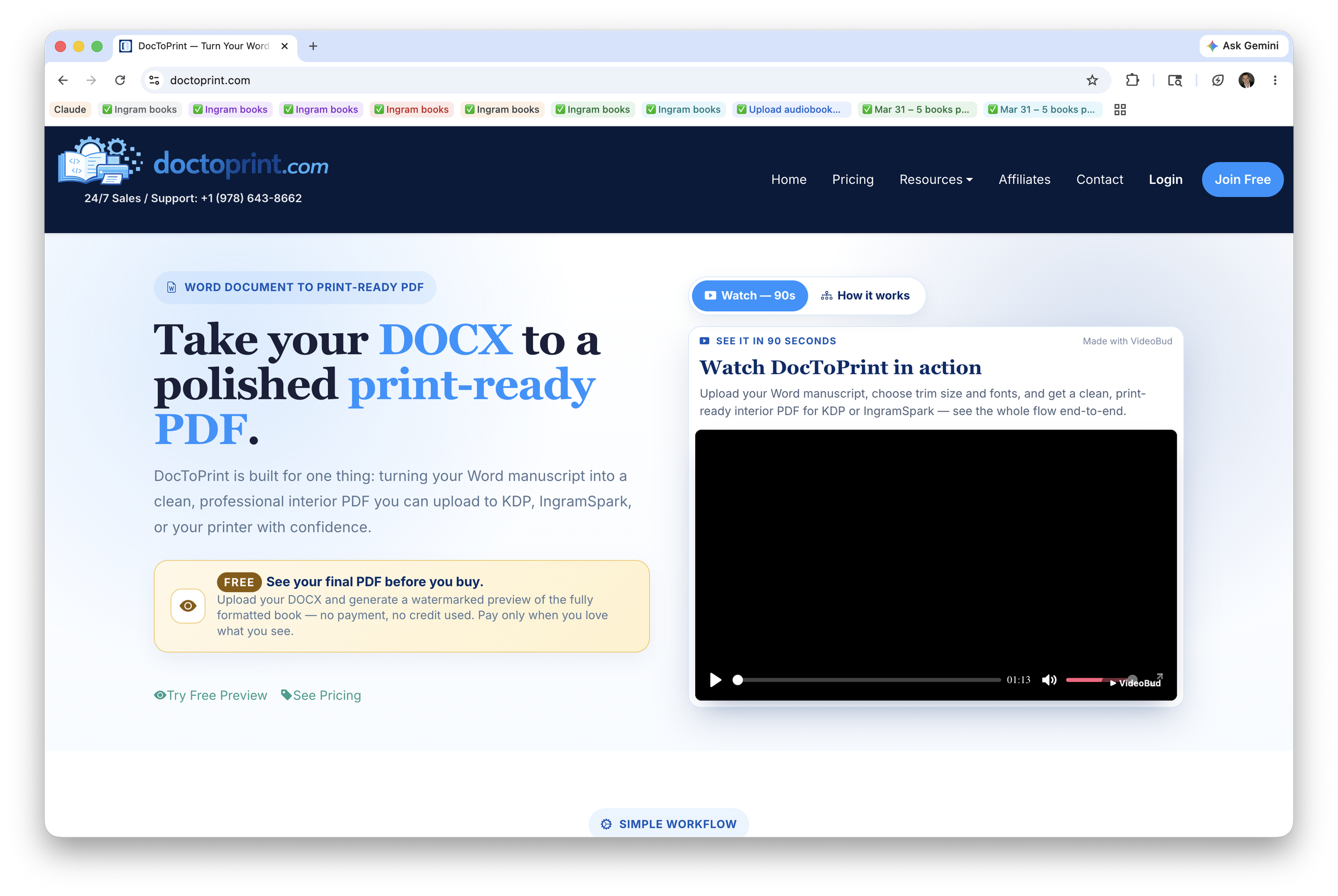
Self-publishing authors who have paid a formatter $100 or more to convert a Word manuscript into a print-ready PDF now have a self-serve alternative. https://www.doctoprint.com — DocToPrint — accepts DOC and DOCX files, lets authors choose trim size, fonts, and chapter styling, and delivers a professionally laid-out interior PDF in minutes. The service is configured for direct upload to Amazon KDP and IngramSpark, the two platforms that together handle the majority of independent print-on-demand titles. A free watermarked preview lets authors see the finished layout before any payment is required.
Book formatting has long occupied an awkward middle ground for independent authors. Doing it manually in Word risks margin errors, inconsistent spacing, and bleed problems that cause print platforms to reject uploaded files. Hiring a professional formatter solves the quality problem but adds cost and turnaround time that can stretch from days to weeks. Desktop layout software such as Adobe InDesign produces polished results but carries a steep learning curve and a subscription cost that rarely makes sense for a single title. DocToPrint is built around the observation that the overwhelming majority of self-published books start life as a Word document and need nothing more than clean, standard interior formatting before they are ready to print — a workflow the service describes as covering over 95 percent of projects.
The workflow runs in three steps. An author uploads a DOC or DOCX manuscript — DocToPrint does not accept InDesign or other layout source files — and the platform detects section structure automatically when Word's built-in heading styles are used. Heading 1 maps to chapter titles, Heading 2 to sub-sections, and Heading 3 to sub-sub-sections, giving the engine enough structural information to build a properly paginated interior without manual tagging. From there, authors select from available trim sizes, choose a font pairing, and set spacing and chapter-styling preferences through a formatting control panel designed specifically for print output rather than screen reading.
The output stage produces a PDF built to standard KDP and IngramSpark print specifications, including correct margins, page numbering, and interior layout conventions expected by those platforms' file-review systems. Because the service is intentionally scoped to the interior-formatting workflow — no cover design, no ebook conversion, no ancillary bundling — the interface stays focused on the decisions that actually affect print quality. For the estimated five percent of projects that require unusual layout work or heavy customization, DocToPrint directs authors to a Fiverr partner rather than attempting to handle edge cases inside the tool itself.
"DocToPrint is built for one thing: turning your Word manuscript into a clean, professional interior PDF you can upload to KDP, IngramSpark, or your printer with confidence," said the Owner/Founder, DocToPrint.
The primary audience is independent authors preparing print editions of nonfiction, fiction, and memoir titles through print-on-demand platforms. For a first-time author, the free preview removes the risk of paying for a result they have not yet seen — a friction point common in traditional formatter relationships where payment is often required upfront or upon delivery of a file the author cannot easily revise. For authors with multiple titles in production, the credit-based pricing model allows bulk purchases that do not expire, making it practical to format a backlist of manuscripts without committing to a subscription. Small hybrid publishers and writing coaches who assist multiple authors could similarly use stocked credits across projects.
DocToPrint operates on a credit model starting at $19 for one formatted book. Credits do not expire, so authors can purchase in advance and use them when a manuscript is ready. A free account allows any author to upload a DOCX file and generate a watermarked preview of the fully formatted interior before spending a credit. Pricing tiers for multiple credits are listed at https://www.doctoprint.com, and no subscription is required. The pay-only-when-satisfied preview model means an author can evaluate trim size and typography choices against their actual manuscript content before committing.
DocToPrint is part of Archieboy Holdings, which the company reports has served authors for more than 15 years, facilitated publication of more than 10,000 books since 2011, and operates more than 50 author-tool websites. The interior-formatting tool represents a continuation of that portfolio's focus on reducing production friction for independent authors. The company has not announced additional feature roadmap items publicly, but the architecture — Word input, structured heading detection, configurable print settings, platform-spec output — positions the service to expand trim-size options or typography libraries without altering the core three-step workflow that keeps the tool accessible to non-designers.
DocToPrint, available at https://www.doctoprint.com, is a book-interior formatting service that converts Word DOC and DOCX manuscripts into print-ready PDFs configured for KDP, IngramSpark, and standard commercial printers. The service is operated by Archieboy Holdings, a company with more than 15 years of experience building tools for independent authors and a reported catalog of more than 50 author-focused web properties. DocToPrint requires no design software, no formatting expertise, and no upfront payment — authors preview their formatted interior free and purchase a credit only when they are satisfied with the result.
